AI privacy check: what is safe to paste into an AI chat?
🔐 Good AI privacy habits take one minute to learn. First, read eight everyday situations. Then decide: paste it, clean it first, or keep it out of the chat.
- Free
- No sign-up
- Private: runs in your browser
- New question order each time
How the AI privacy check works
The AI privacy check asks a few short questions about your real week. After that, it adds up your answers, shows a plain result and suggests small steps you can test on your own work. In short, it takes about two minutes and needs nothing but honest answers.
1
Answer honestly
First, pick the option closest to your normal week. There are no right answers and nothing is saved or sent anywhere.
2
Read your result
Next, you get a plain result, a short explanation and three things to try this week. Also, you can retake it any time, because the questions come in a new order.
3
Take one next step
Finally, try one tip on a real task. If you want more, then the guides picked for your answers go deeper, with tested prompts and example answers.
What you get from the AI privacy result
🎯
A plain result
No jargon and no scare stories. Instead, you get one clear result based on your own answers.
✅
Three actions
Three small things to try this week. Because they are picked at random from a tested list, a retake gives fresh ideas.
📚
Guides that fit
In addition, three picks matched to your answers: a place to start, another good fit and the best-value bundle.
Questions about the AI privacy tool
Is the AI privacy tool free?
Yes. In fact, it is free, needs no sign-up and runs in your browser. Your answers are not stored or sent anywhere.
How accurate is the result?
It is a rough self-check based on your answers, not a prediction or a professional assessment. So use the result as a starting point for your own judgement.
Why do I get different tips when I retake it?
Tips and wording are picked at random from a tested list. As a result, each retake gives you fresh ideas, while the result still follows your answers.
What is safe to paste into an AI chat?
The simple rule: paste what you would be fine reading on a postcard, clean what has names or numbers in it, and keep out anything that could hurt someone if it leaked. The check above walks you through eight everyday cases so the rule becomes a habit.
Usually safe: your own drafts, public web text, general questions, recipes, code you wrote without secrets, and notes with no names. Clean it first: emails, contracts, CVs, school or medical letters and spreadsheets. Replace names with roles (“the client”, “my manager”), cut account and phone numbers, and remove addresses before you paste. The AI rarely needs those details to help.
Keep out: passwords and login codes, full card or bank numbers, ID and passport numbers, other people’s health details, and anything your employer marks as confidential. If a task truly needs that data, use a tool your company has approved for it.
Also look at your own settings. Most AI chat tools have a data or privacy section where you can see your chat history, delete chats and choose whether your conversations may be used to improve their models. Check it once in each tool you use, because the options differ from one product and plan to the next. For more safe, practical habits, start with The ChatGPT Handbook or the free No-Hype AI Starter Kit.
Questions people ask
Can I paste my CV into ChatGPT or Claude?
Yes, after a quick clean: remove your address, phone number and any ID numbers. The AI can improve the wording without them.
Is it safe to paste work emails into AI?
Only if your employer allows it. Remove names and client details first, or use the company-approved tool.
Do AI companies train on my chats?
It depends on the tool, your plan and your settings. Open the privacy or data controls in each tool to see the current options and choose yours.
What should never go into an AI chat?
Passwords, login codes, full card and bank numbers, ID numbers, and other people’s private health details.
Does this check save my answers?
No. It runs in your browser and nothing is sent or stored.
More free checks
Besides this one, we built six more. Each one takes a minute or two and, just like this one, gives you a plain result with next steps.
🧭Will AI change my job? Take the free 2-minute check8 questions about your week. See what AI can take and what stays yours.Start the check →⚖️ChatGPT or ClaudeSix questions. A plain answer on which assistant suits your work.Start the check →✍️Prompt checkerSeven questions. Your prompting level and three fixes.Start the check →🌱Which AI side project fits your time and skills?Six questions. One realistic idea and the honest limits.Start the check →⏱️AI time saver calculatorType your weekly hours. See a rough range AI could help with.Start the check →🚀AI readiness checkSix questions. Your starting point and a first-week plan.Start the check →🔎AI tool finderPick your task. See the type of tool to try first.Start the check →🕵️Can you catch the AI mistake? Play the free gameEight rounds. Find the wrong line in each AI answer.Start the check →🩺The prompt doctorSix weak prompts. Pick the fix that works.Start the check →🧬What type of AI user are you? Take the 1-minute quizSeven questions. Your AI user type and next steps.Start the check →📡AI hype or real? Test yourself on eight common claimsEight claims. Real or hype? Plain answers.Start the check →
Done with the AI privacy round? Then keep going with a guide above. Prefer to read first? Browse all articles or start with beginner guides.
Read next
All AI in Everyday Life guides →

How to Fact Check AI Answers in 90 Seconds

What Is Artificial Intelligence? The Truth Behind the Hype

Negotiate a Medical Bill With AI: The Script That Actually Gets It Lowered
Guides that go with this tool
Start here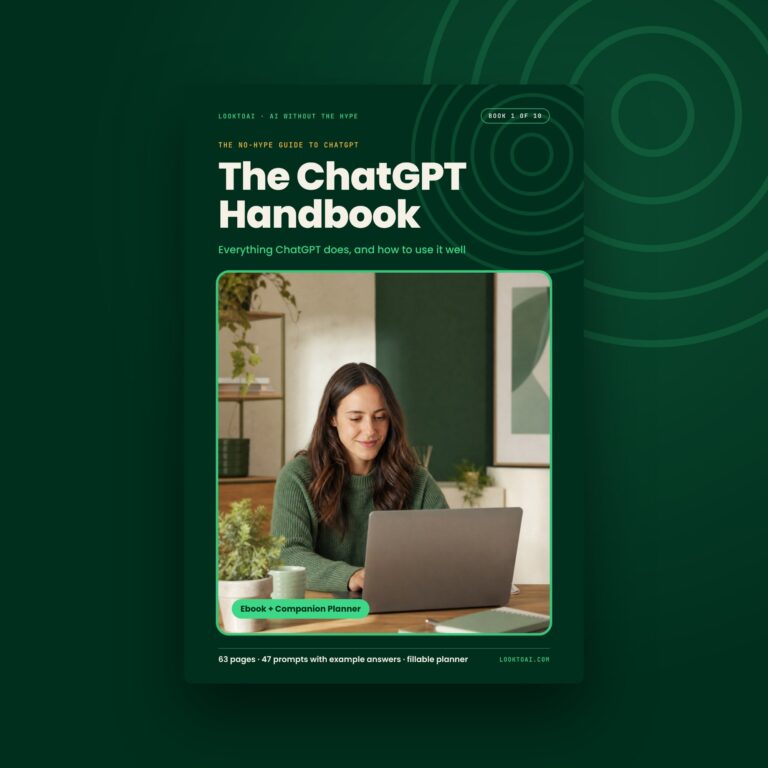 The ChatGPT HandbookEverything ChatGPT does, and how to use it well$9Get it →
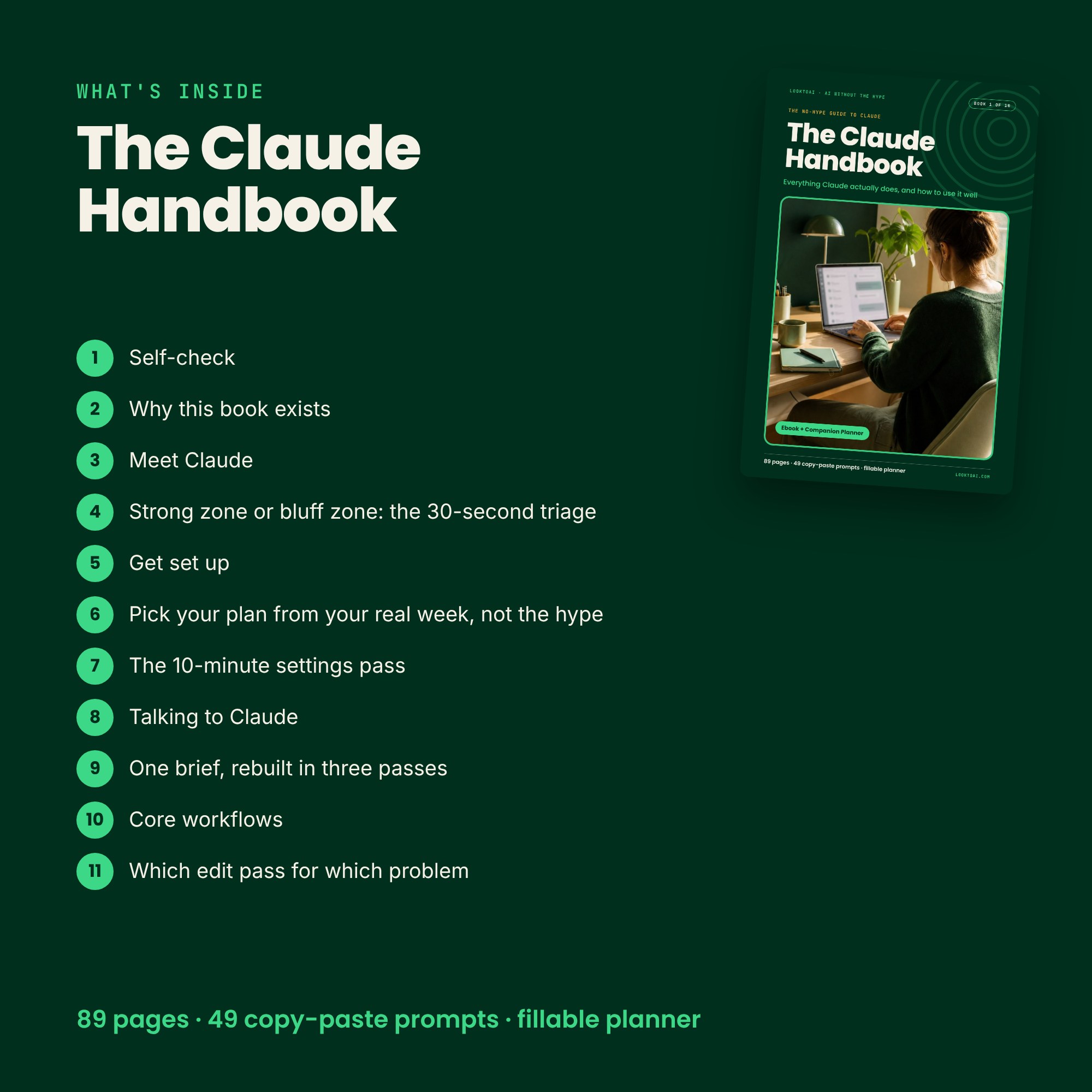
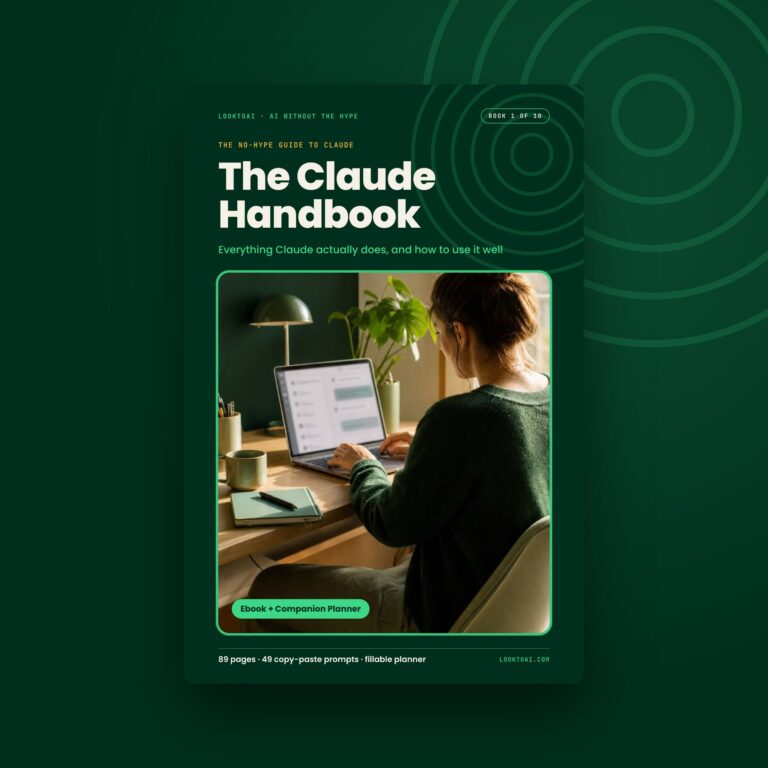 The Claude HandbookEverything Claude does, and how to use it well$9Get it →
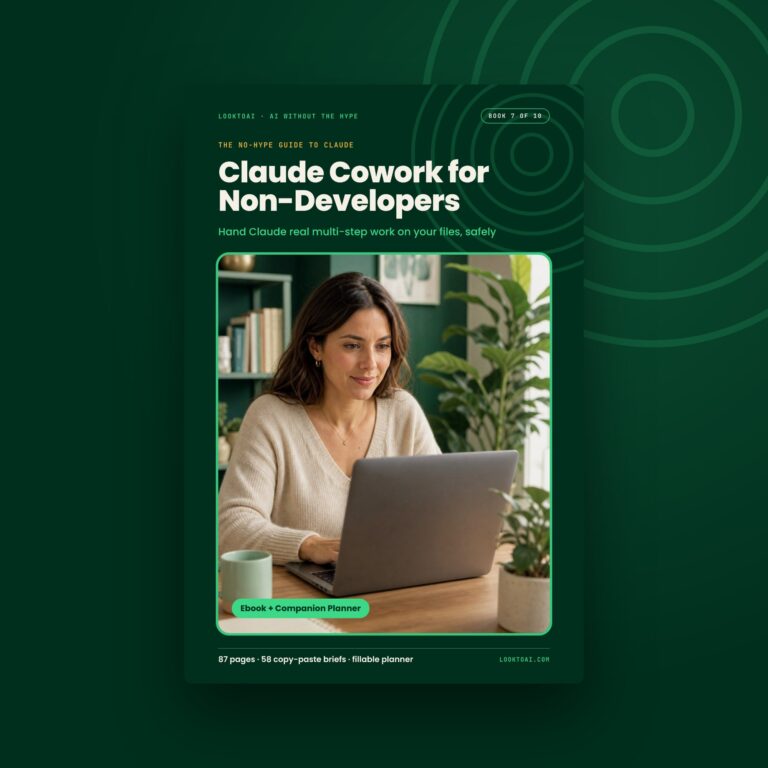 Claude Cowork for Non-DevelopersHand Claude multi-step work on your files, safely$9Get it →
The ChatGPT HandbookEverything ChatGPT does, and how to use it well$9Get it →The Claude HandbookEverything Claude does, and how to use it well$9Get it →Claude Cowork for Non-DevelopersHand Claude multi-step work on your files, safely$9Get it →Digital download · Free updates when the AI changes · All sales final · An independent, unofficial guide
More free tools
All free tools →Free tool · no sign-upWill AI change your job?A plain read on which parts of your work AI can help with.Try it →Free tool · no sign-upChatGPT or Claude: which fits you?Six questions, one plain recommendation.Try it →Free tool · no sign-upHow good are your prompts?Your level and three fixes you can use today.Try it →