


The AI Apps Pack
Six offline AI apps that make every AI chat faster. First, open an app in your browser. Then build the prompt, copy it and paste it into ChatGPT, Claude or any AI chat.
Instant download · 6 products · Digital download · All sales final
- 6 HTML apps
- Works offline
- No sign-up
- Data stays on your device
- Free updates

Sound familiar?
“You keep retyping the same requests and get different-quality answers every time.”
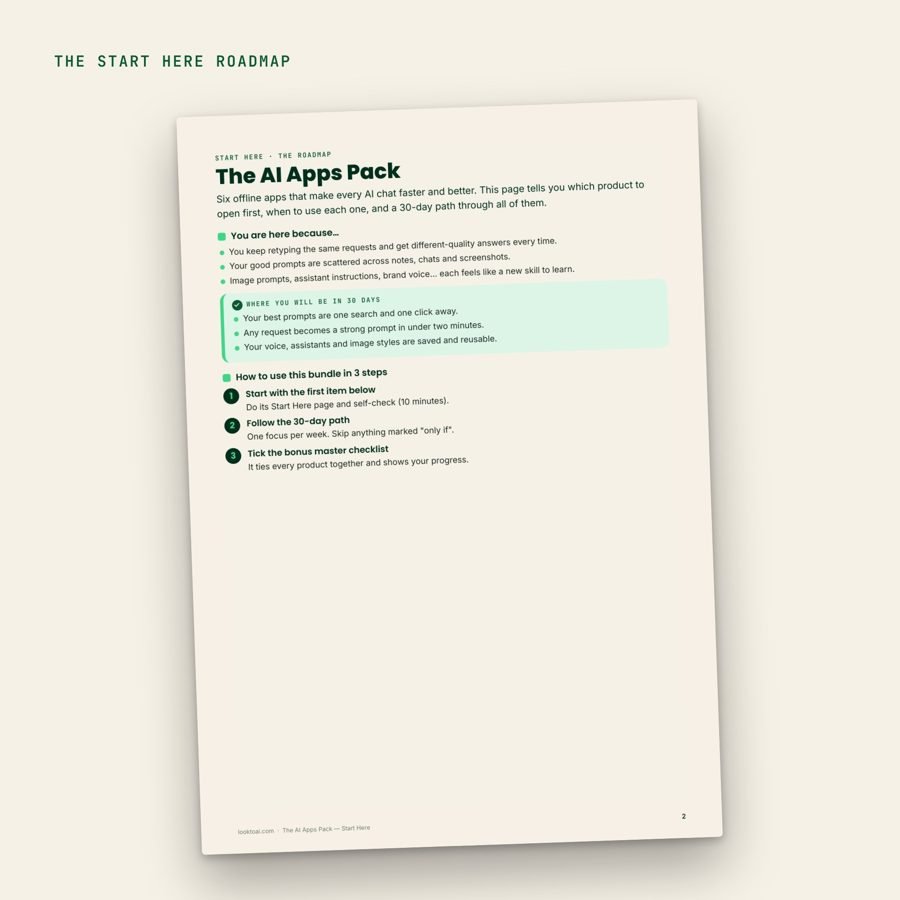
“Your good prompts are scattered across notes, chats and screenshots.”
“Image prompts, assistant instructions, brand voice… each feels like a new skill to learn.”


After a week with the offline AI apps
First, your best prompts are one search and one click away.
Then any request becomes a strong prompt in under two minutes.
Also, your voice, assistants and image styles are saved and reusable.
As a result, your offline AI apps sit on your device, with no account to log in to.
What’s inside the offline AI apps
Here is every piece, with what it does. Or buy one app at a time from the cards above.

HTML App
The Prompt Library App
1,000 prompts · 20 categories
Search, favourite and copy a prompt in one click
$14.99Buy alone →
HTML App
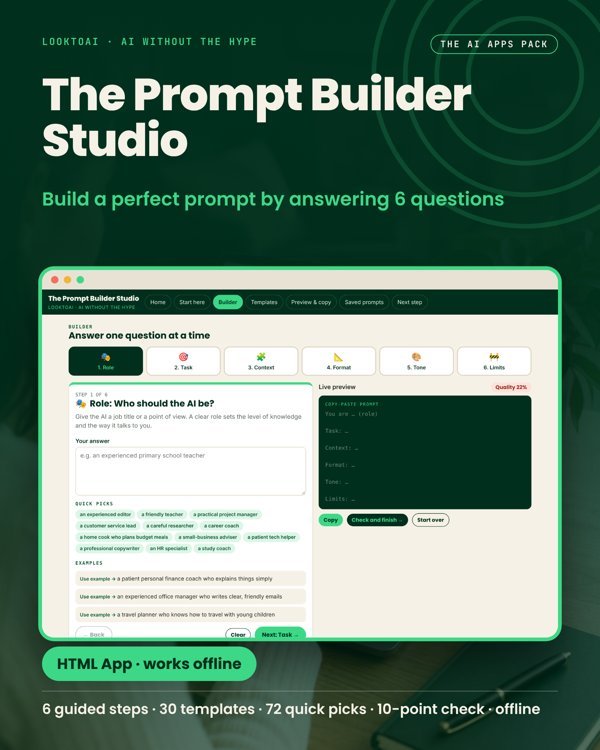
The Prompt Builder Studio
6 guided steps · 30 templates
Build a strong prompt by answering 6 questions
$14.99Buy alone →
HTML App
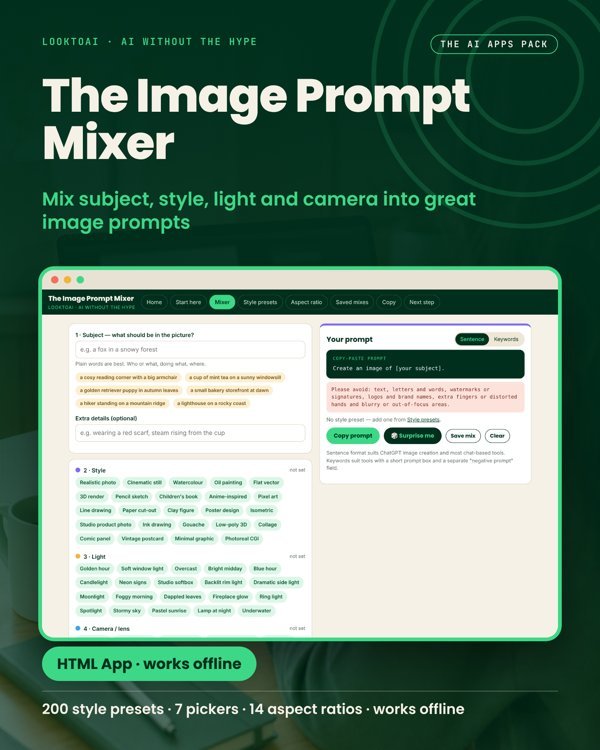
The Image Prompt Mixer
200 style presets · 7 pickers
Mix subject, style, light and camera into image prompts
$14.99Buy alone →

HTML App
The Custom Assistant Maker
20 ready assistants · 220 test prompts
Write instructions for a Custom GPT or a Claude Project
$14.99Buy alone →
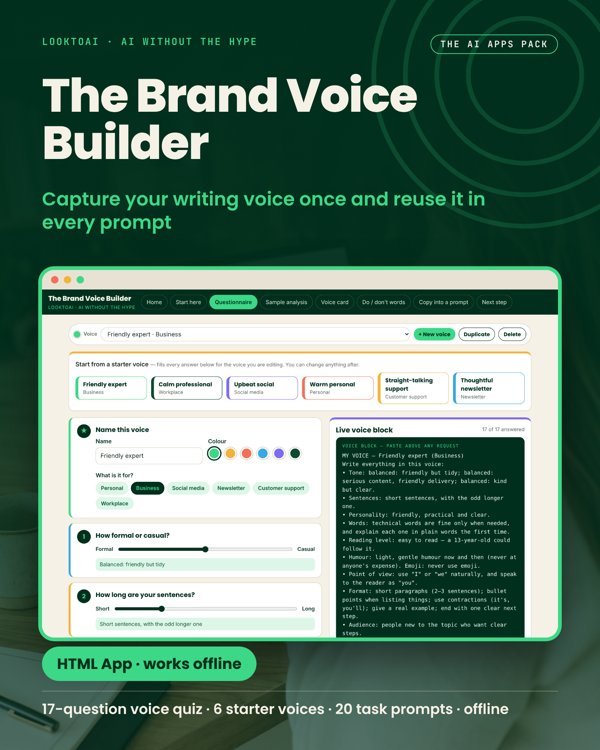
HTML App
The Brand Voice Builder
17-question voice quiz · 20 task prompts
Capture your writing voice once and reuse it
$14.99Buy alone →
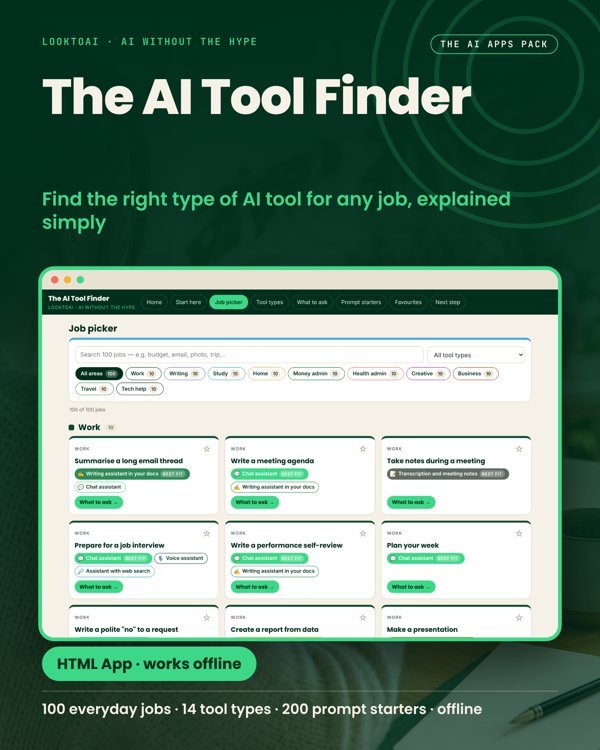
HTML App
The AI Tool Finder
100 everyday jobs · 14 tool types
Find the right type of AI tool for any job
$14.99Buy alone →
The order to use the offline AI apps
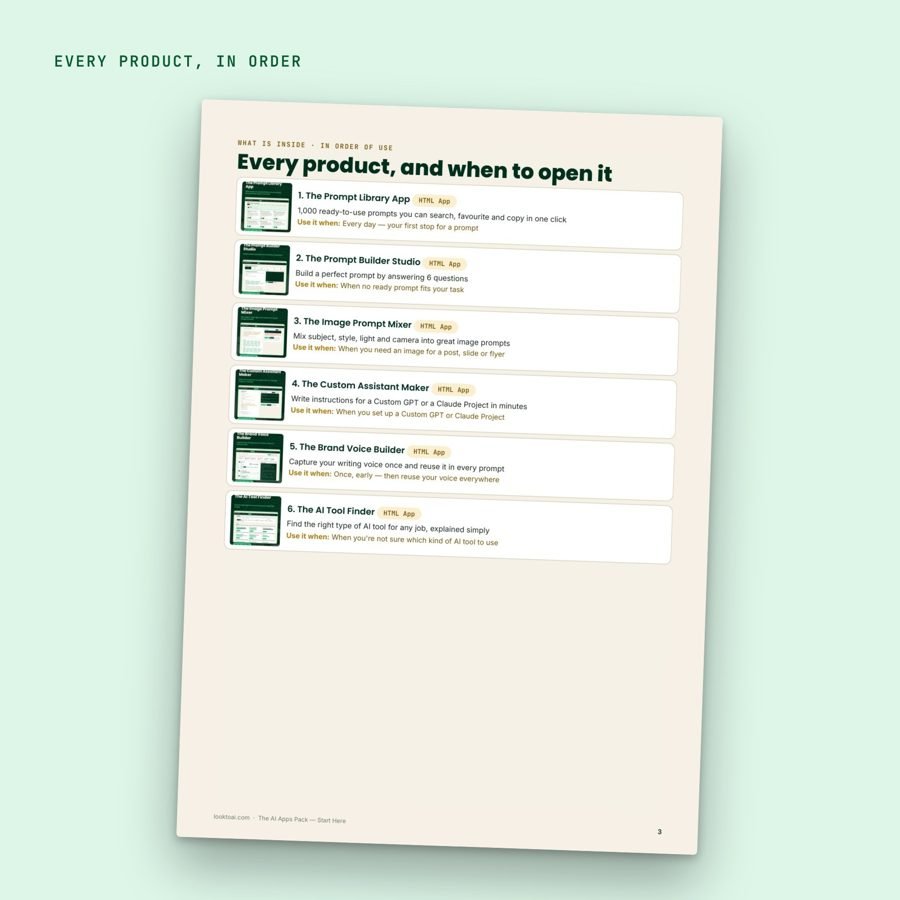
You do not need to read it all. Instead, start at number one and open the next piece only when the job comes up.
The Prompt Library App
First, every day, your first stop for a prompt.The Prompt Builder Studio
Then, when no ready prompt fits your task.The Image Prompt Mixer
Next, when you need an image for a post or flyer.The Custom Assistant Maker
After that, when you set up a Custom GPT or Project.The Brand Voice Builder
Also, once, early, then reuse your voice everywhere.The AI Tool Finder
Besides, when you’re not sure which tool to use.
A look inside the offline AI apps
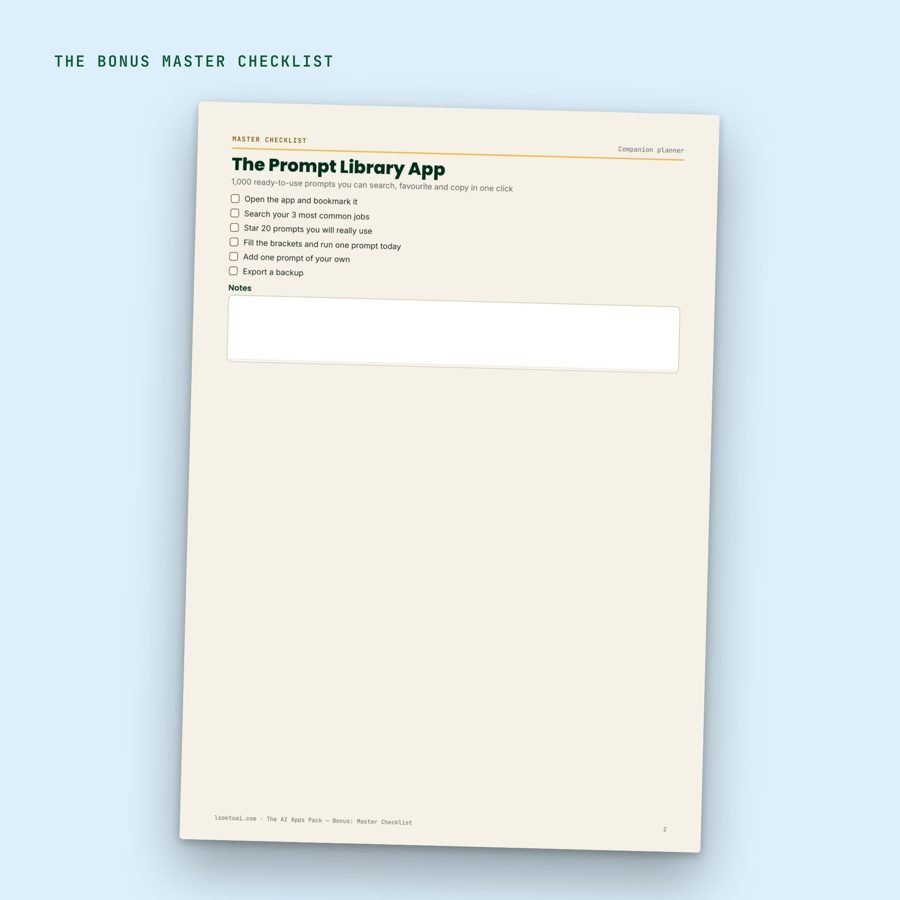
These are real pages from the offline AI apps, so you can see the layout, the prompts and the planners before you buy.


6 products, $89.94 sold separately
Today you get all of it for $39, with every future update included.
Made for you if…
You use ChatGPT or Claude most days.
Also, you want tools, not theory: open, click, copy.
Above all, you prefer apps that keep data on your own device.
Skip it if…
You need a team platform with shared accounts.
Or, you want an app that calls the AI for you. These build the prompts; you paste them.
Questions about the offline AI apps
Do these offline AI apps need the internet?
No. They are single HTML files that open in your browser, and what you type stays on your device.
Do the offline AI apps include an AI subscription?
No. They help you build and organise prompts for the tools you already use, such as ChatGPT and Claude.
What format is it?
A ZIP with six HTML files. Double-click one and it opens in Chrome, Edge, Safari or Firefox.
Which devices does it work on?
Computer, tablet and phone browsers. A computer is the most comfortable for long prompts.
How do I get it?
You download it right after checkout. You also get the download link by email.
What happens when the AI tools change?
Buy once, get every update. When ChatGPT or Claude changes, we retest and update the apps, and you download the new version for free.
Want everything?
The looktoai Complete AI Kit has both libraries (20 books), The AI Apps Pack, the four AI-for-your-job guides, The AI Side Income Playbook and 50 Prompts That Actually Work, with one Start Here roadmap.
See the kit · $97
Not ready yet? Get the free starter prompts
A short free set of prompts that work in ChatGPT and Claude, by email.
Unsubscribe any time with one click.