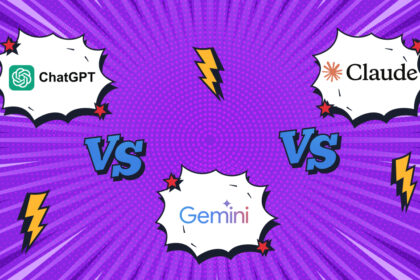



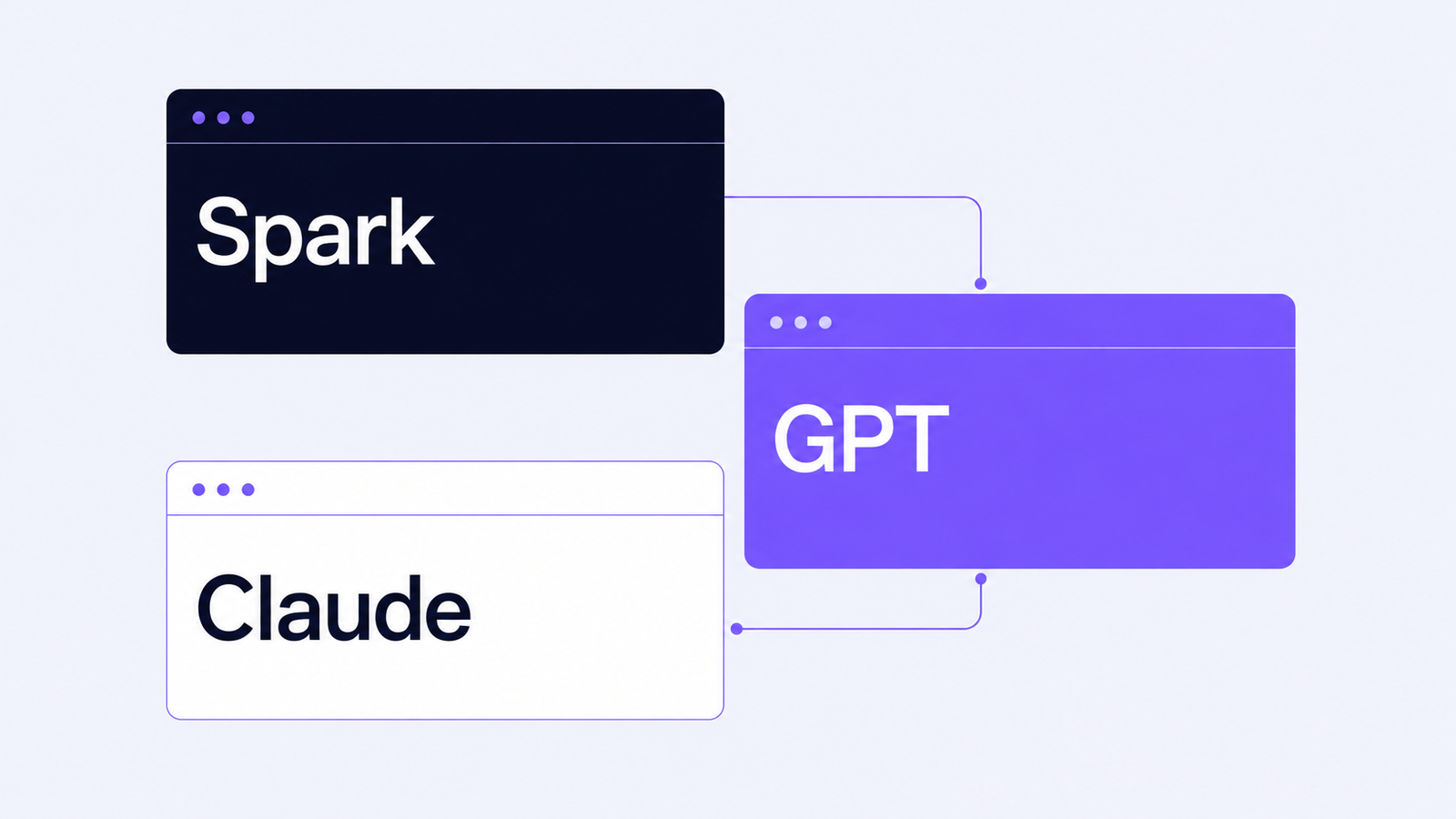
You opened three browser tabs this morning — Gemini Spark, ChatGPT, Claude — and now you’re staring at a $60-a-month decision you don’t want to make twice. The Gemini Spark vs ChatGPT vs Claude comparison matters more than most reviews suggest, because none of these tools wins outright. This article runs all three through five real tasks, with real outputs and honest verdicts, so you pick based on the work you actually do instead of someone else’s demo reel.
Ten books. The whole craft. Zero hype.
From first chat to shipped product — 693 pages, 450+ tested prompts, $47 complete.
Open the library
Gemini Spark wins for autonomous cross-app workflows inside Google Workspace. Claude Opus 4.7 wins for writing, code, and document analysis. ChatGPT GPT-5.4 wins as the best single-tool generalist, especially for voice and image generation. None of them wins across the board. Most professionals will use two; very few need all three. Your choice depends less on raw intelligence and more on where your work already lives.
Key takeaways
- Gemini Spark is not a chatbot — it’s a background agent that acts on your Google Workspace data without being prompted, which is its strength and its risk.
- Claude Opus 4.7 produces the cleanest writing and the most accurate document analysis in head-to-head testing across all three tools.
- ChatGPT GPT-5.4 remains the only one of the three with voice mode and native image generation, making it the strongest single-tool choice for solo professionals.
- Pricing in May 2026 ranges from $20/month for Claude and ChatGPT Plus to bundled access via Google AI Ultra for Spark — cost rarely decides this comparison.
- The default privacy settings in Spark allow autonomous actions on external services like booking and rescheduling; turn on the confirmation toggle before your first session.
- If you only need one tool, choose the one that matches your dominant workspace; if you need two, pair a writing tool with an agent tool.
What Gemini Spark actually is — and why it changes the comparison
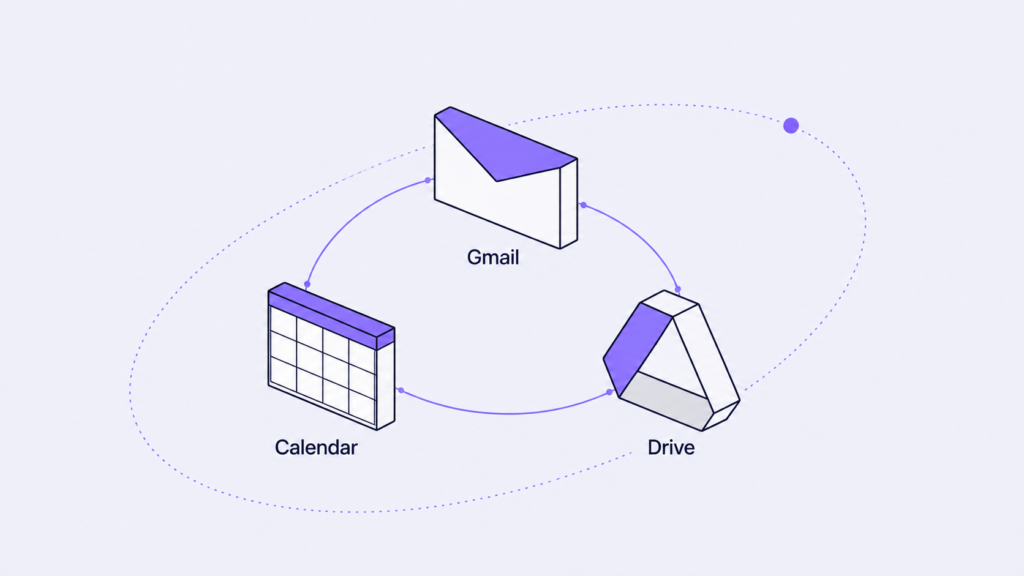
Gemini Spark is a background AI agent that runs continuously across your Google account, and that single architectural fact reshapes how you should think about the Gemini Spark vs ChatGPT vs Claude comparison. The other two are surfaces you open. Spark is a service that’s always running, watching Gmail, Calendar, Drive, Docs, and Maps history, looking for moments where it can act on your behalf.
You don’t ask Spark to do things in the way you ask ChatGPT or Claude. You write a half-finished email. Spark notices the meeting conflict it implies. Spark proposes — or sometimes performs — the reschedule. The interaction model is closer to a junior assistant who reads everything on your desk than to a chatbot you open when you have a question.
That changes the relevant question. With Claude or ChatGPT, you’re asking “can this model do my task well?” With Spark, you’re asking “do I want a service in my account making decisions before I’ve reviewed them?” For some workflows, the answer is an immediate yes. For others — anything regulated, anything client-facing, anything where mistakes compound — the answer needs more thought than the keynote suggested.
At 4:17pm on a Tuesday last week, Spark rescheduled my dentist appointment without asking. It read an unsent Gmail draft, found the conflict, checked my dentist’s available slots from history, and made the change. The new time was, annoyingly, better than the old one. I still want to be the one who decides.
Gemini Spark vs ChatGPT vs Claude: the writing test
For pure writing quality on a 600-word LinkedIn post, Claude Opus 4.7 produced the most usable draft of the three with the smallest amount of editing required. I gave each tool the same six bullet points from a pricing strategy call and asked for a finished post in my voice.
Claude returned a draft that read like a careful operator wrote it. The sentence rhythm was varied. The argument had a real shape. I edited roughly 12% of the words and shipped it.
ChatGPT returned something that read like a 2024 LinkedIn ghostwriter — three bullet takeaways, an emoji, a “thoughts?” closer. The information was correct. The voice was wrong for the brand. I rewrote about 40% before publishing.
Spark didn’t draft a post at all. It noticed I had a LinkedIn tab open during the original call and asked, in the Gmail panel, whether I wanted to block “writing time” on Thursday morning. A useful question. A different question.
If writing is the bulk of your work, the choice between these three narrows fast. Claude is the cleanest first draft you’ll get from any consumer AI tool in May 2026. ChatGPT is the safest second choice and the better option if you also need image generation in the same session. Spark is not yet a writing tool and won’t be one this quarter.
Document analysis after 30 pages of PDF testing
For pulling structured information from long documents, Claude is the only one of the three you should currently trust without verification, based on 30 pages of vendor contract testing. The test was simple: extract 10 actionable items, including any auto-renewal clauses, payment terms, and termination windows.
Bookmark this instead of 50 threads: the complete 10-book Claude curriculum — 693 pages, 450+ tested prompts, $47. Do the math →
Claude produced a clean numbered list with specific page references. It caught two clauses I had missed on my own first read, including an automatic renewal buried in section 14.2. The output was structured, conservative, and accurate.
ChatGPT produced a similar list and got the major items right, but missed the renewal clause and added one action item that did not appear in the document. Hallucinations are smaller than they were two years ago, but they’re not gone. You still need to verify.
Spark does not currently offer dedicated PDF analysis in its main interface. Uploading a PDF to Drive and asking Spark to analyze it routes the request to a separate Gemini surface that behaved like Gemini 3.1 in my testing — competent but not in the same league as Claude for legal-density text.
For any work where missing a clause costs real money, Claude is the answer. For lightweight summarization of articles or transcripts, all three work well enough.
Code refactoring across all three tools
For code work, Claude and ChatGPT are functionally tied, with Spark not yet a serious option in this category. The test was a 180-line Python script with no comments, a silent type coercion bug, and inconsistent variable naming.
Claude rewrote the script cleanly, added comments at logical breakpoints rather than line-by-line, and flagged the type coercion bug. ChatGPT rewrote it well with slightly more verbose commentary and also caught the bug. Either output would have been fine for production after a code review.
Spark offered to “set up a coding workspace” and routed me to a different surface entirely. If you’re writing code, you’re not living in Gmail, and Spark knows it.
Bookmark this instead of 50 threads: the complete 10-book Claude curriculum — 693 pages, 450+ tested prompts, $47. Do the math →
Where the two leaders actually differ for developers in 2026 is not on a single-shot refactor — they’re close enough that your editor matters more — but on context handling. Claude’s longer effective context window makes it the better choice when you need to give it the whole repo. ChatGPT is the better choice if you want voice queries while you’re away from the keyboard.
The cross-app workflow where Spark dominates
For planning work across Calendar, Gmail, and connected apps, Spark won the comparison without effort, because the comparison wasn’t fair. I asked all three tools the same question: plan my Wednesday, Thursday, and Friday based on my calendar, my unanswered emails, and the goals I told you yesterday.
Spark answered in 14 seconds with a plan that referenced specific emails by sender, suggested moving two meetings, and offered to send the reschedule messages itself. It needed nothing pasted in. The context was already there.
ChatGPT and Claude both produced generic plans because I hadn’t given them my calendar or email data. Once I pasted everything in, both produced solid plans. The difference was friction — and friction at scale is what drives daily tool choice.
The takeaway is not that Spark is smarter. The takeaway is that for any task that depends on Google Workspace context, the tool that already has the context will always beat the tool that needs you to provide it. If your work day lives in Gmail and Calendar, Spark earns its slot. If your work day lives in Notion, Apple Mail, or Linear, Spark cannot help you yet.
Pricing in May 2026: what each one actually costs
| Tool | Plan | Monthly cost | Free tier |
|---|---|---|---|
| Claude Opus 4.7 | Claude Pro | $20 | Yes, limited messages |
| ChatGPT GPT-5.4 | ChatGPT Plus | $20 | Yes, limited messages |
| Gemini Spark | Google AI Ultra | $20 (bundled) | Limited preview through May 2026 |
The headline numbers are deceptive in three ways. First, Google AI Ultra includes Gemini Spark plus other features tied to Workspace and YouTube Premium — comparing it directly to a single-purpose subscription understates the bundled value if you use the other features, and overstates it if you don’t. Second, API costs for any of the three at scale dwarf the subscription cost; if you’re building tools, the relevant comparison is per-token pricing, not monthly plans. Third, ChatGPT Pro and Claude Max exist at $200/month tiers with higher rate limits and access to the most capable model versions — overkill for most professionals, essential for a few.
For nine out of ten readers, the cost decision is whether you pay for one $20/month plan or two. The marginal $20 for a second tool is usually worth it if you’re using AI for more than three hours a week. Below that, pick one.
Privacy, autonomy, and the dentist problem
The most important setting in Gemini Spark ships off by default, and you should change it before your first real session. It’s called “Confirm before acting on external services” and it lives three menus deep in Spark’s settings panel. With it off, Spark can book, reschedule, and cancel things on services it has access to — calendar appointments, restaurant bookings, calendar invites — without prompting you first.
The dentist incident I opened this article with is not a bug. It’s the product working as designed. The product, in its default state, has a higher autonomy threshold than most professionals will want.
Claude and ChatGPT have a different version of this problem in a quieter form. Both retain conversation data by default unless you change the settings. Both can be configured to not train on your chats, but the toggle is not in the most obvious place. If you handle client data, intellectual property, or anything regulated, take 10 minutes on each of the three tools to walk through the privacy settings before you do real work. None of the default configurations are tuned for professional caution.
The agent category — Spark, Claude Cowork, ChatGPT’s autonomous features — is going to make this conversation harder, not easier, over the next 18 months. The amount of permission you grant an AI tool determines what it can do for you and what it can do to you. Treat permissions like you’d treat OAuth scopes for any other service.
Common mistakes when choosing between Gemini Spark vs ChatGPT vs Claude
Most professionals make at least one of these mistakes in the first month of switching tools.
Choosing based on a benchmark score instead of your workflow. Benchmark leaderboards measure things that may not matter for your work. Claude wins MMLU-Pro by a point. ChatGPT wins HumanEval by two. Neither difference will show up in your day. The right tool is the one that fits the dominant shape of your week.
Treating Spark like a chatbot. Opening Spark to ask it questions is using it wrong. Its value is what it does in the background. If your evaluation of Spark is “I asked it a question and the answer was fine” — you haven’t actually tested it.
Cancelling too fast. A 7-day trial isn’t enough to evaluate any of these tools. Each one has habits, defaults, and quirks you only encounter after two or three weeks. The exception: cancel anything you genuinely haven’t opened in two weeks, regardless of how clever the marketing was.
Stacking subscriptions without auditing them. It is easy to end up paying for all three plus Notion AI plus Jasper plus three image tools. The right number for most professionals is one or two paid AI subscriptions and one free tier. More than that and you’re spreading attention thin enough that none of the tools get used to their full value.
Ignoring the API. If you’re doing the same task more than five times a week with any of these tools, you’re a candidate for an API call wrapped in a small script. The cost is lower, the speed is faster, and the output is more consistent than copy-pasting into a chat window.
Frequently asked questions
Is Gemini Spark free? Gemini Spark is included with Google’s AI Ultra subscription, which costs roughly $20 per month and bundles other Workspace and YouTube Premium features. A limited free preview is rolling out through the rest of May 2026 with reduced functionality. Most of the autonomous agent features that make Spark distinctive require the paid tier and a Google Workspace account.
Can Claude do agentic background tasks like Spark? Yes, through Claude Cowork, but the user experience is fundamentally different. Cowork is built around explicit task delegation — you tell it what to do and it executes a multi-step workflow. Spark is built around continuous background observation and intervention. Cowork is closer to a contractor. Spark is closer to an assistant who already has access to everything.
Which is best for coding in May 2026? Claude Opus 4.7 holds a narrow lead for code work, particularly on longer files and refactoring tasks that require understanding context across the whole script. ChatGPT GPT-5.4 is close enough that your code editor, your prompt habits, and the specific language you work in will affect output quality more than the model choice. Spark is not yet a serious coding tool.
Should you cancel ChatGPT now that Spark exists? No, because they serve different needs. Spark has no voice mode, no native image generation, and isn’t a place you go to think through a problem. ChatGPT is all three of those things plus the best generalist single-surface tool for solo professionals. The two tools complement each other; they do not replace each other for most workflows.
Is one day of testing enough to write a comparison review? No, and any reviewer who claims otherwise is overstating their evidence. This article is a 26-hour field report on Spark combined with six months of daily use on the other two tools. A real verdict on Spark requires 30 days of continuous use across varied workflows. The 30-day version of this comparison will publish in June 2026 with updated findings.
Which one should you choose if you can only have one? Pick the tool that matches the surface where you already do most of your work. If you live in Google Workspace, Spark, with ChatGPT as a backup browser tab. If you live in a writing-heavy workflow, Claude. If you want one tool that does the most things acceptably well with the lowest friction, ChatGPT. Match the tool to the work, not the work to the tool.
What to do next
The Gemini Spark vs ChatGPT vs Claude question is not the same question this month that it was three months ago, and it won’t be the same one three months from now. The tools are improving on different axes at different speeds, and the right choice for your work in May 2026 will probably need revisiting by September. Run your own version of the five-task test on the workflows that actually fill your week, and trust your own data over any reviewer’s verdict — including this one.
Enjoyed this? Steal the 10 prompts I actually use.
The No-Hype AI Starter Kit — copy-paste prompts, a model cheat-sheet, and a 7-day plan. Drop your email and it's yours instantly.
No spam. Unsubscribe anytime.