AI readiness check: are you ready to use AI at work?
🚀 This AI readiness check takes one minute. First, answer six quick questions about your accounts, your habits and how you check answers. Then you get your starting point and a short first-week plan.
- Free
- No sign-up
- Private: runs in your browser
- New question order each time
How the AI readiness check check works
The AI readiness check check asks a few short questions about your real week. After that, it adds up your answers, shows a plain result and suggests small steps you can test on your own work. In short, it takes about two minutes and needs nothing but honest answers.
1
Answer honestly
First, pick the option closest to your normal week. There are no right answers and nothing is saved or sent anywhere.
2
Read your result
Next, you get a plain result, a short explanation and three things to try this week. Also, you can retake it any time, because the questions come in a new order.
3
Take one next step
Finally, try one tip on a real task. If you want more, then the guides picked for your answers go deeper, with tested prompts and example answers.
What you get from the AI readiness check result
🎯
A plain result
No jargon and no scare stories. Instead, you get one clear result based on your own answers.
✅
Three actions
Three small things to try this week. Because they are picked at random from a tested list, a retake gives fresh ideas.
📚
Guides that fit
In addition, three picks matched to your answers: a place to start, another good fit and the best-value bundle.

Questions about the AI readiness check tool
Is the AI readiness check tool free?
Yes. In fact, it is free, needs no sign-up and runs in your browser. Your answers are not stored or sent anywhere.
How accurate is the result?
It is a rough self-check based on your answers, not a prediction or a professional assessment. So use the result as a starting point for your own judgement.
Why do I get different tips when I retake it?
Tips and wording are picked at random from a tested list. As a result, each retake gives you fresh ideas, while the result still follows your answers.
What being ready for AI at work really means
Being ready to use AI at work has little to do with technical skill. It comes down to four things: permission, a first task, a checking habit and clear data rules. The check above scores you on all four, so you can see which one to fix first.
Permission. Find out what your employer allows. Some teams have an approved tool and a written policy; others ban pasting company material into public chat tools. If nothing is written down, ask your manager before you use client or company data. A first task. Pick one task you do every week that is mostly writing or sorting: meeting notes, first drafts of emails, summaries of long documents, or a weekly report. Start there, not with a big project.
A checking habit. Read every AI draft before it leaves your hands. Check names, numbers and dates, and keep your own judgment on tone and decisions. Data rules. Decide in advance what never goes into a chat: passwords, personal data about customers, and anything marked confidential. Our AI privacy check takes one minute and shows the line.
A good first week looks like this: one task, done with AI three times, with notes on what saved time and what needed fixing. By Friday you will know if it is worth keeping. For prompts tested on everyday work tasks, see ChatGPT for Work and Business or Claude for Business and Operations, or a guide for your job such as AI for Teachers and AI for Freelancers.
Questions people ask
Do I need a paid AI plan to use AI at work?
No. Free plans are enough to learn the basics. If your company provides a business plan, use that one, because it usually comes with its own data settings.
Am I allowed to use AI at work?
It depends on your employer. Check for a written AI policy, and ask your manager before you paste company or client material into any tool.
Which work tasks are best to start with?
Repeated writing and sorting tasks: email drafts, meeting summaries, report outlines and turning notes into lists. Keep decisions and final checks for yourself.
How long does it take before AI is useful at work?
Most people see a result on the first task they try. Give it one week on one task before you judge it.
Is my score saved anywhere?
No. The check runs in your browser and nothing is stored or sent.
More free checks
Besides this one, we built six more. Each one takes a minute or two and, just like this one, gives you a plain result with next steps.
🧭Will AI change my job? Take the free 2-minute check8 questions about your week. See what AI can take and what stays yours.Start the check →⚖️ChatGPT or ClaudeSix questions. A plain answer on which assistant suits your work.Start the check →✍️Prompt checkerSeven questions. Your prompting level and three fixes.Start the check →🌱Which AI side project fits your time and skills?Six questions. One realistic idea and the honest limits.Start the check →⏱️AI time saver calculatorType your weekly hours. See a rough range AI could help with.Start the check →🔎AI tool finderPick your task. See the type of tool to try first.Start the check →
Finished the AI readiness check check? Then keep going with a guide above. Prefer to read first? Browse all articles or start with beginner guides.
Read next
All Beginner’s Guides to AI guides →

Claude AI Personality: Why It Feels More Thoughtful

How to Fact Check AI Answers in 90 Seconds

Which ChatGPT Model to Use for Writing (Instant vs Thinking, Tested)
Guides that go with this tool
Start here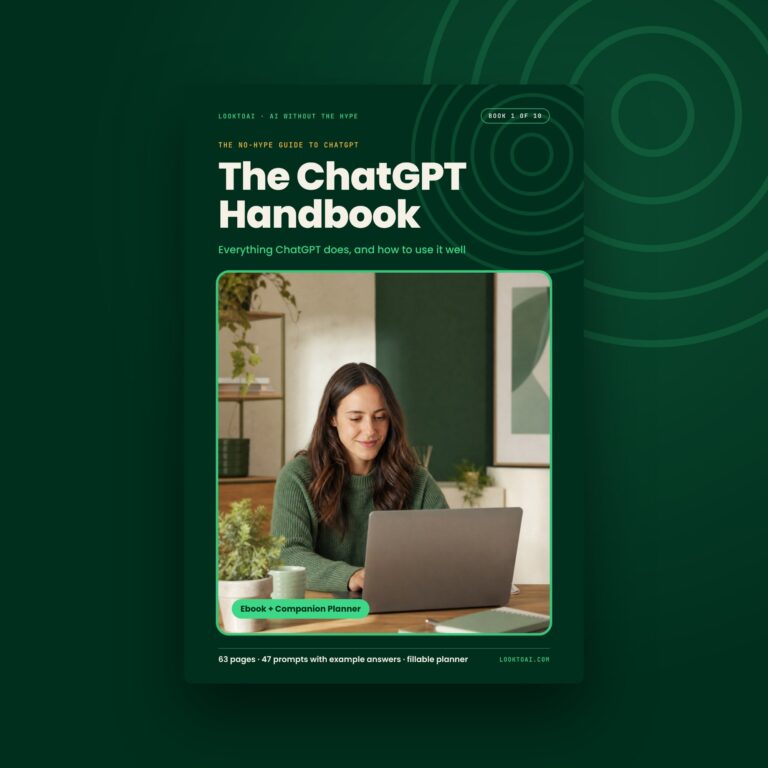 The ChatGPT HandbookEverything ChatGPT does, and how to use it well$9Get it →
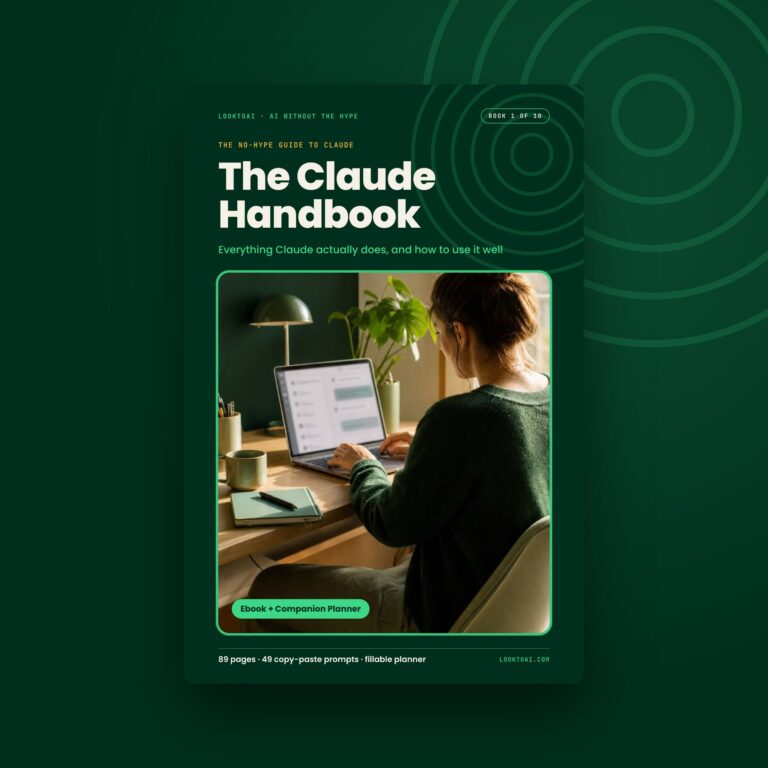 The Claude HandbookEverything Claude does, and how to use it well$9Get it →
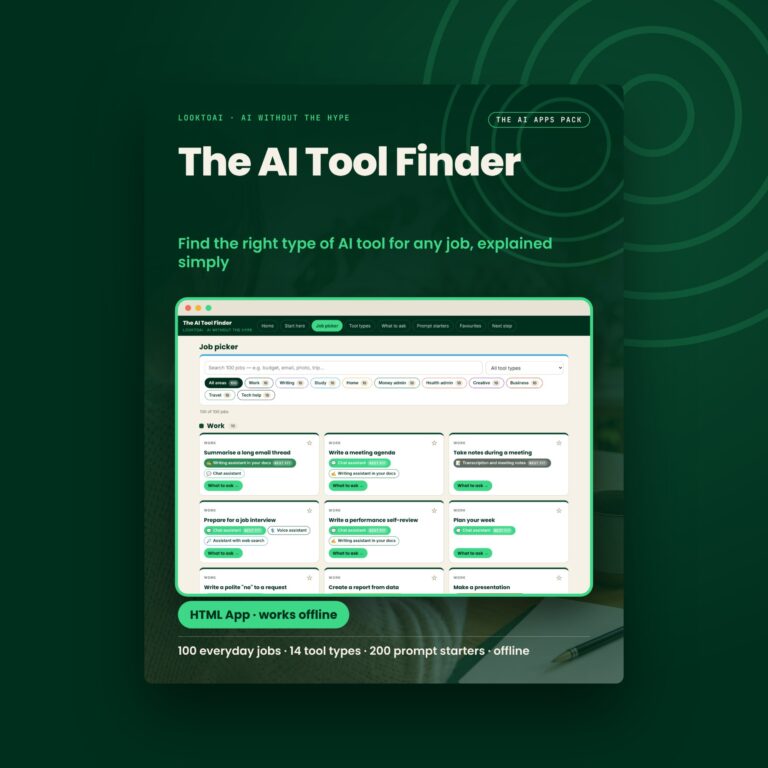 The AI Tool FinderFind the right type of AI tool for any job$14.99Get it →
The ChatGPT HandbookEverything ChatGPT does, and how to use it well$9Get it →The Claude HandbookEverything Claude does, and how to use it well$9Get it →The AI Tool FinderFind the right type of AI tool for any job$14.99Get it →Digital download · Free updates when the AI changes · All sales final · An independent, unofficial guide
More free tools
All free tools →Free tool · no sign-upCan you catch the AI mistake?Eight rounds. One line in each answer is wrong.Try it →Free tool · no sign-upWhat type of AI user are you?Your type, what you do well, and how to get more from it.Try it →Free tool · no sign-upWill AI change your job?A plain read on which parts of your work AI can help with.Try it →