Description
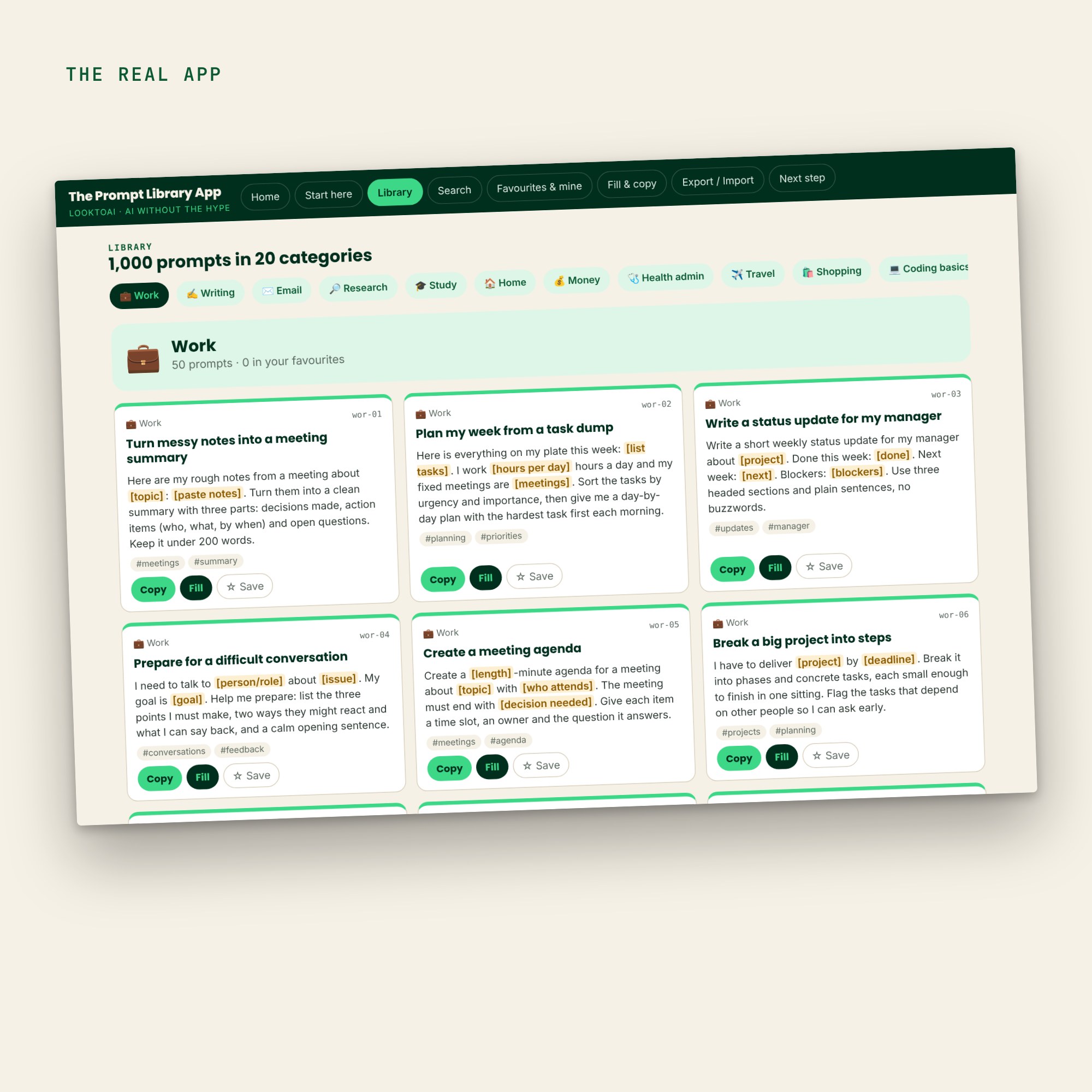
The Prompt Library App is an offline collection of ready-to-use prompts you can search, favourite and copy, in one browser file.
1,000 ready-to-use prompts you can search, favourite and copy in one click.
One file you open in your browser. No account, no API key, no install — and it keeps working offline.
Prompt library app: who it’s for
- You use ChatGPT or Claude most days and keep retyping the same kind of request.
- You want a faster, calmer way to get good prompts without learning jargon.
- You prefer tools that keep your data on your own device.
Prompt library app: what’s inside
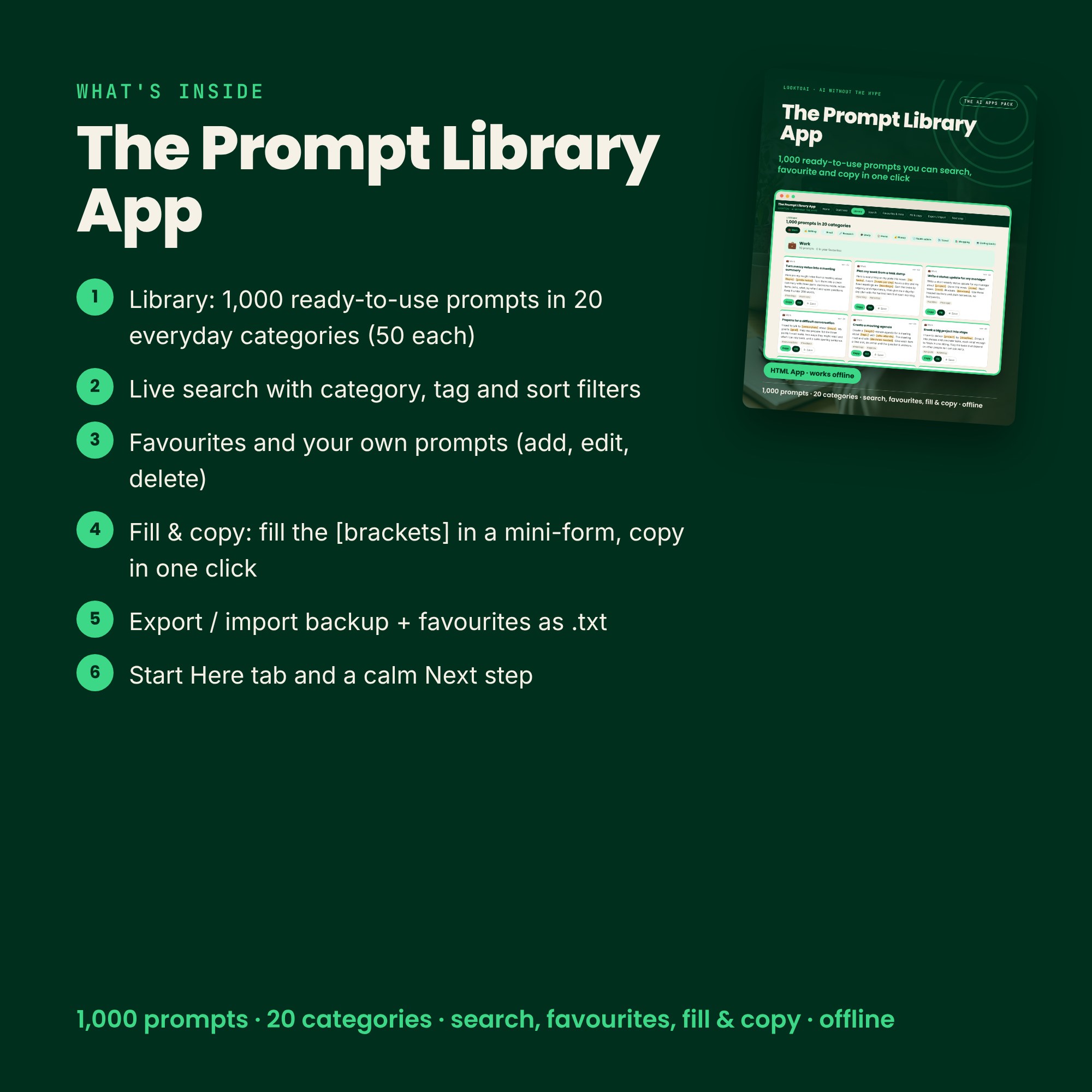
- Library: 1,000 ready-to-use prompts in 20 everyday categories (50 each)
- Live search with category, tag and sort filters
- Favourites and your own prompts (add, edit, delete)
- Fill & copy: fill the [brackets] in a mini-form, copy in one click
- Export / import backup + favourites as .txt
- Start Here tab and a calm Next step
Because The Prompt Library App is a single HTML file, it opens in Chrome, Edge, Safari or Firefox, keeps working without an internet connection after you download it, and keeps what you save on your own device. There is no account to create and no API key to paste.
How to use it in 3 steps
- Double-click the .html file. It opens in your browser, no install.
- Search the Library for something you do every week, star the best prompts, and copy one into ChatGPT or Claude.
- Paste into ChatGPT or Claude. Your favourites and saves stay in this browser.
Formats and devices
- One self-contained .html file (opens in Chrome, Edge, Safari, Firefox)
- Works offline · mobile-friendly · saves in your browser with export/import backup
- 1-page Start Here PDF
Part of The AI Apps Pack
Works with ChatGPT, Claude and other AI chat assistants.
This prompt library app is part of The AI Apps Pack. For account and feature questions, see the official OpenAI Help Center.
An independent, unofficial guide. Not affiliated with the companies whose tools it covers.
Digital download · All sales final