Description
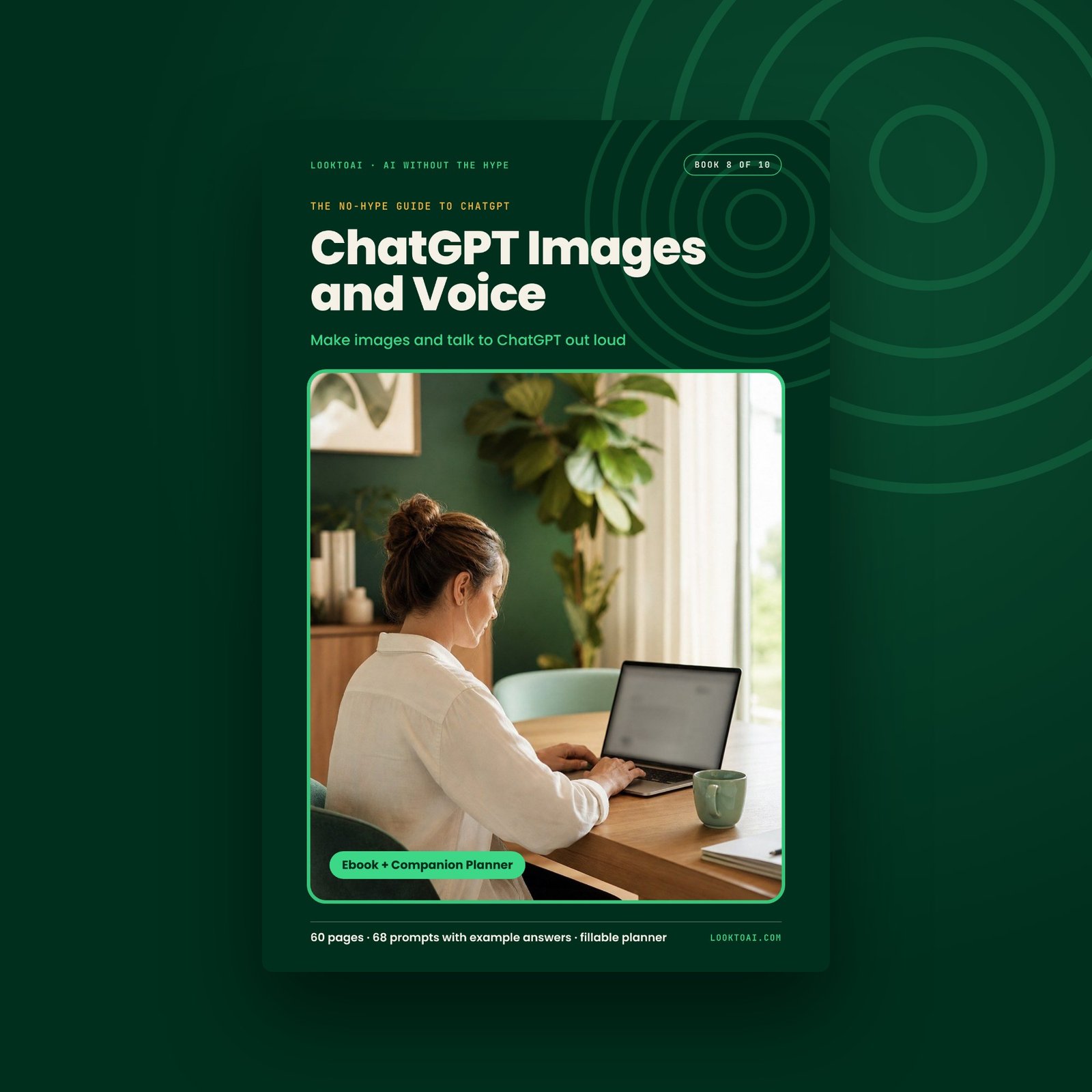
A practical guide to ChatGPT images and voice: make and edit pictures with clear prompts, and talk to ChatGPT out loud.
Make images and talk to ChatGPT out loud.
A practical guide to the two ChatGPT features people struggle with most: making and editing images, and talking out loud in voice mode. Every prompt has an example of what comes back.
ChatGPT images: who it’s for
- You asked ChatGPT for a simple poster and got a glossy image with a misspelled headline and a hand with six fingers.
- Every time you ask for one small fix, the whole picture changes, and the parts you liked disappear.
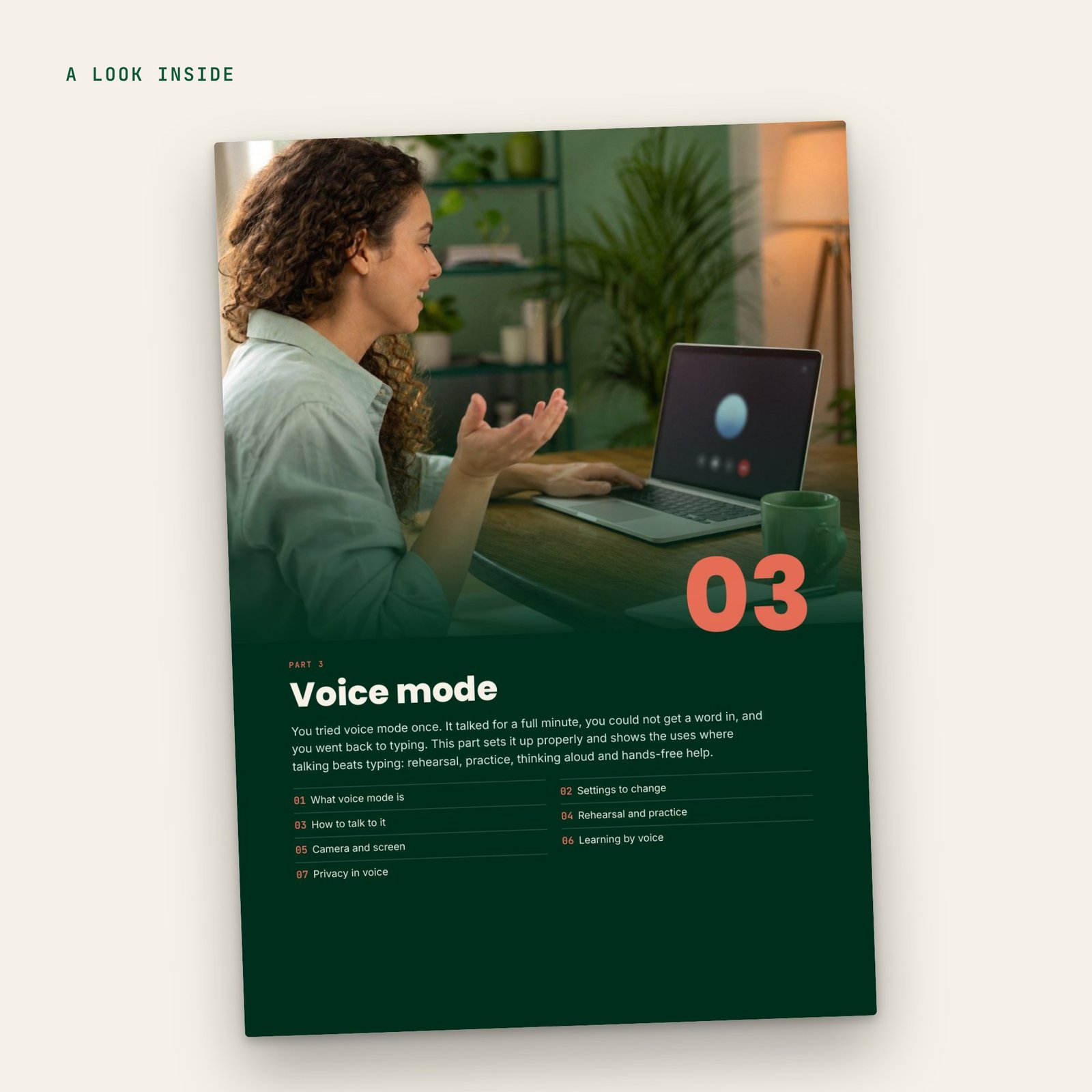
- You tried voice mode once, it talked over you for a minute, and you went back to typing.
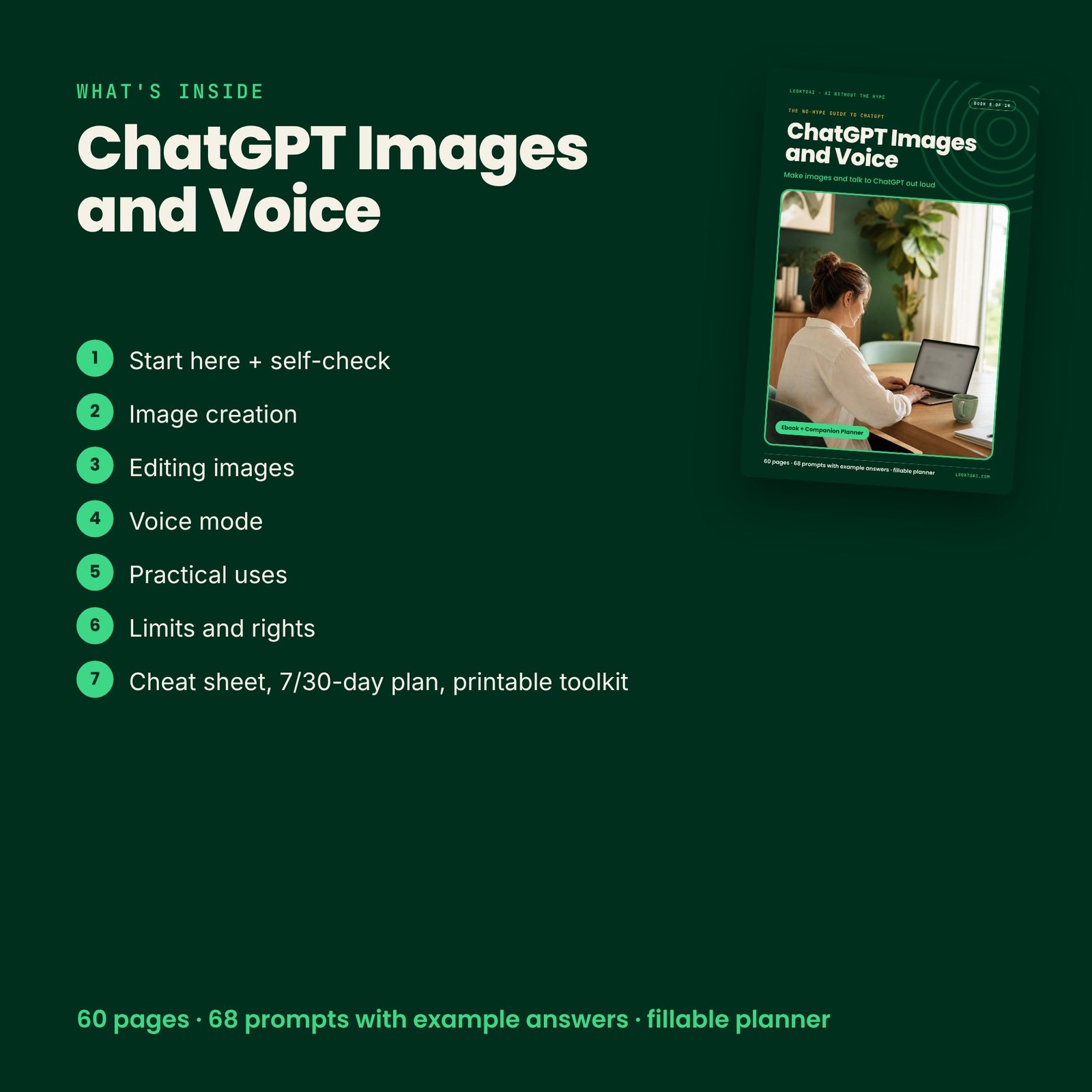
ChatGPT images: what’s inside
- Start Here, self-check and clickable contents
- Start here + self-check
- Image creation
- Editing images
- Voice mode
- Practical uses
- Limits and rights
- Cheat sheet, 7/30-day plan, printable toolkit
- Fillable companion planner (24 pages)
How to use the ChatGPT images guide in 3 steps
- Open Start Here and tick the 2-minute self-check — it tells you where to begin.
- Pick one chapter, copy a prompt, fill the [brackets] and run it on a real task today.
- Print the cheat sheet and follow the 7-day plan; keep your work in the fillable planner.
Formats and devices
- Ebook PDF in A4 and US Letter (60 pages A4), clickable contents and bookmarks
- Companion planner PDF, fillable on screen or printable (24 pages)
- 1-page Start Here PDF
- Works on phone, tablet and computer; prints clean in colour or black and white
Part of The Complete No-Hype Guide to ChatGPT
Written against the GPT-6 models in ChatGPT (Luna, Sol and Astra).
This ChatGPT images guide is part of The Complete No-Hype Guide to ChatGPT. For account and feature questions, see the official OpenAI Help Center.
An independent, unofficial guide. Not affiliated with the companies whose tools it covers.
Digital download · All sales final